
Six Game APK Download iOS: How to Use It on iPhone and iPad
This is an independent guide to Six Game. We do not publish any iOS app.
- Independent, not official
- Updated October 2026
- 18+ only
- Install
- APK, not on Google Play
- Payments
- JazzCash, Easypaisa
- Age
- 18+ only
- This site
- Independent guide
Short answer
There is no working Six Game APK download iOS users can install, because APK files only work on Android. Six Game is also not on the App Store. iPhone and iPad users open the Six Game site in Safari and play in the browser.
How to use Six Game on iPhone
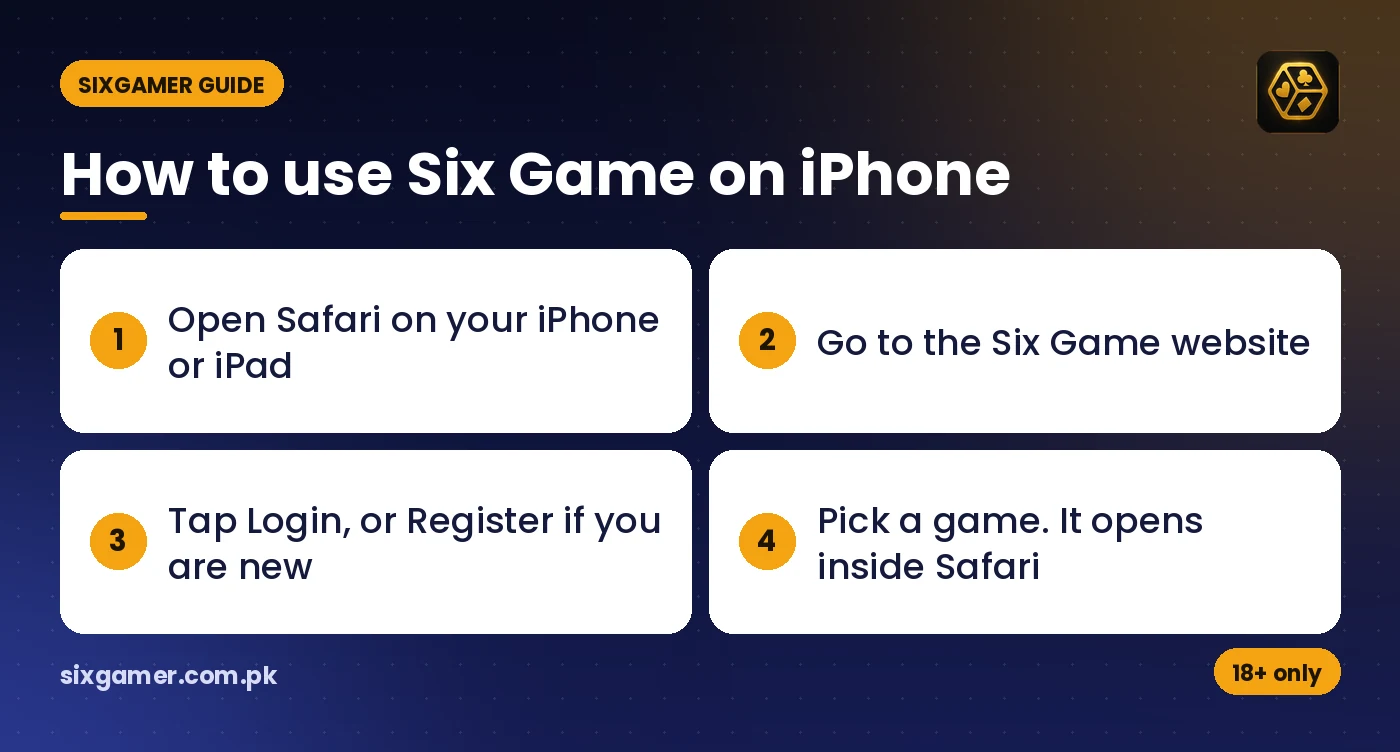
- Open Safari on your iPhone or iPad.
- Go to the Six Game website.
- Tap Login, or Register if you are new. See Six Game login guide.
- Pick a game. It opens inside Safari.
Add Six Game to your home screen
- With the site open in Safari, tap the Share button.
- Scroll down and tap Add to Home Screen.
- Name it Six Game and tap Add.
An icon appears on your home screen and opens the site in full-screen view. It is a shortcut, not an installed app.
Be careful with “iOS app” downloads
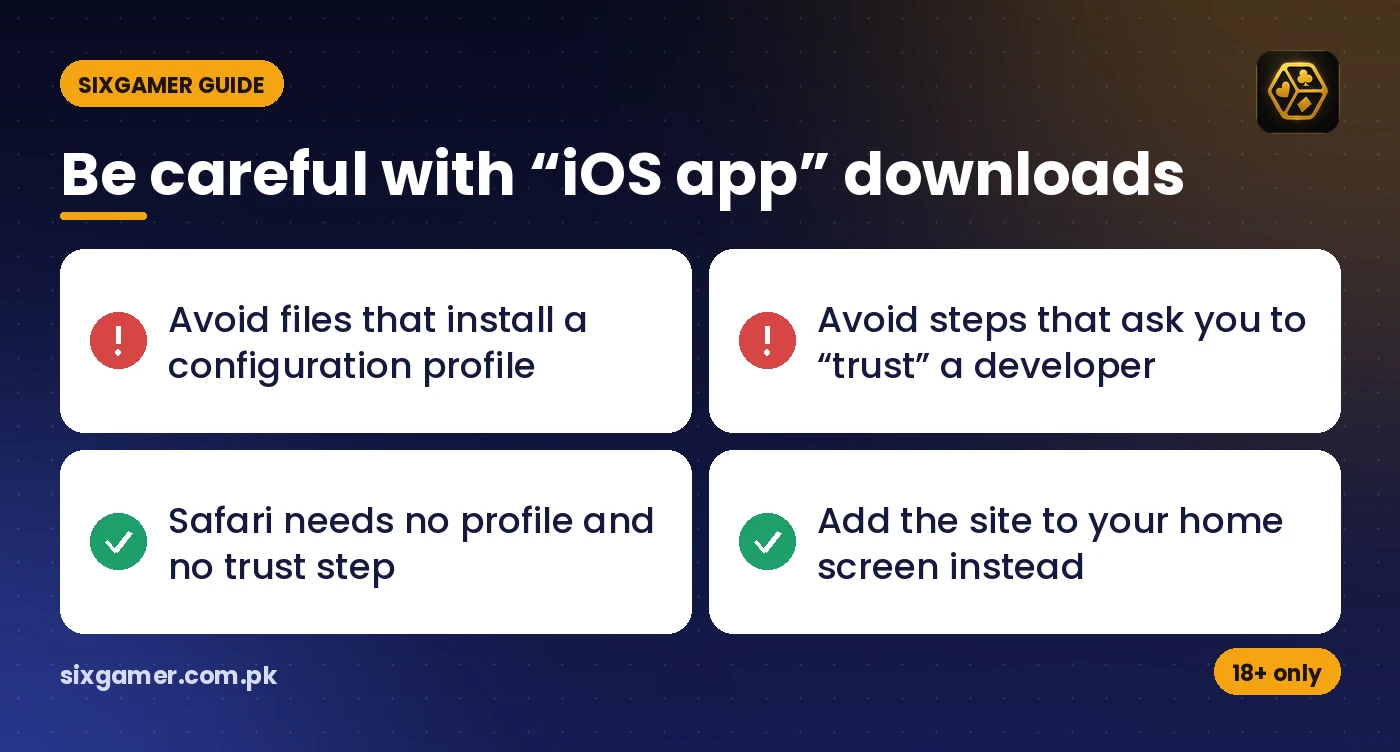
Some sites offer a Six Game iOS file that asks you to install a configuration profile or to “trust” a developer in Settings. Avoid these.
A profile can give an unknown party control over parts of your iPhone, including your network traffic. The Safari method above needs no profile and no trust step.
iPhone requirements
| Item | Requirement |
|---|---|
| iOS version | iOS 11 or later (reported) |
| Browser | Safari or Chrome |
| Storage needed | None for the browser version |
| Internet | Stable 4G or Wi-Fi |
Common iPhone problems
| Problem | Fix |
|---|---|
| Site not opening | Check the address, then clear Safari history for that site |
| Game shows a blank screen | Turn off content blockers for the site and reload |
| Logged out every time | Turn off Private Browsing so the login is remembered |
| Sound not working | Check the silent switch and the in-game sound setting |
| Payment page does not return | Finish the wallet approval, then reopen the site and check your balance |
Six Game APK download iOS: what works and what does not
People who search for a Six Game APK download iOS link usually find one of the options below. Only the browser route is safe to use on an iPhone or iPad.
| Option | Result on iPhone |
|---|---|
| APK file | Does not open, because APK is an Android format |
| App Store | No Six Game app is listed |
| Safari or Chrome browser | Works, and needs no install |
| Home screen shortcut | Works, and opens the site in full-screen view |
| Configuration profile or “trusted developer” file | Avoid, it can give a stranger control of your phone |
If a page promises a direct Six Game APK download iOS install, treat it as a warning sign. The safe steps are the Safari steps on this page.
Six Game APK download iOS FAQs
Is Six Game available on the App Store?
No. There is no Six Game app on the App Store.
Can I install the Six Game APK on iPhone?
No. APK is an Android file format and iOS cannot open it.
Is my account the same on iPhone and Android?
Yes. One account works on any device through the app or the browser.
Can I deposit and withdraw on iPhone?
Yes, through the wallet section of the browser version. See Six Game deposit guide and Six Game withdrawal guide.