
Six Game Online: How to Play in the Browser
This is an independent guide to Six Game. We do not host the game.
- Independent, not official
- Updated October 2026
- 18+ only
- Install
- APK, not on Google Play
- Payments
- JazzCash, Easypaisa
- Age
- 18+ only
- This site
- Independent guide
Short answer
You can play Six Game online in a mobile or PC browser without installing the APK. Open the Six Game site, log in with your mobile number and password, and your account works the same as in the app.
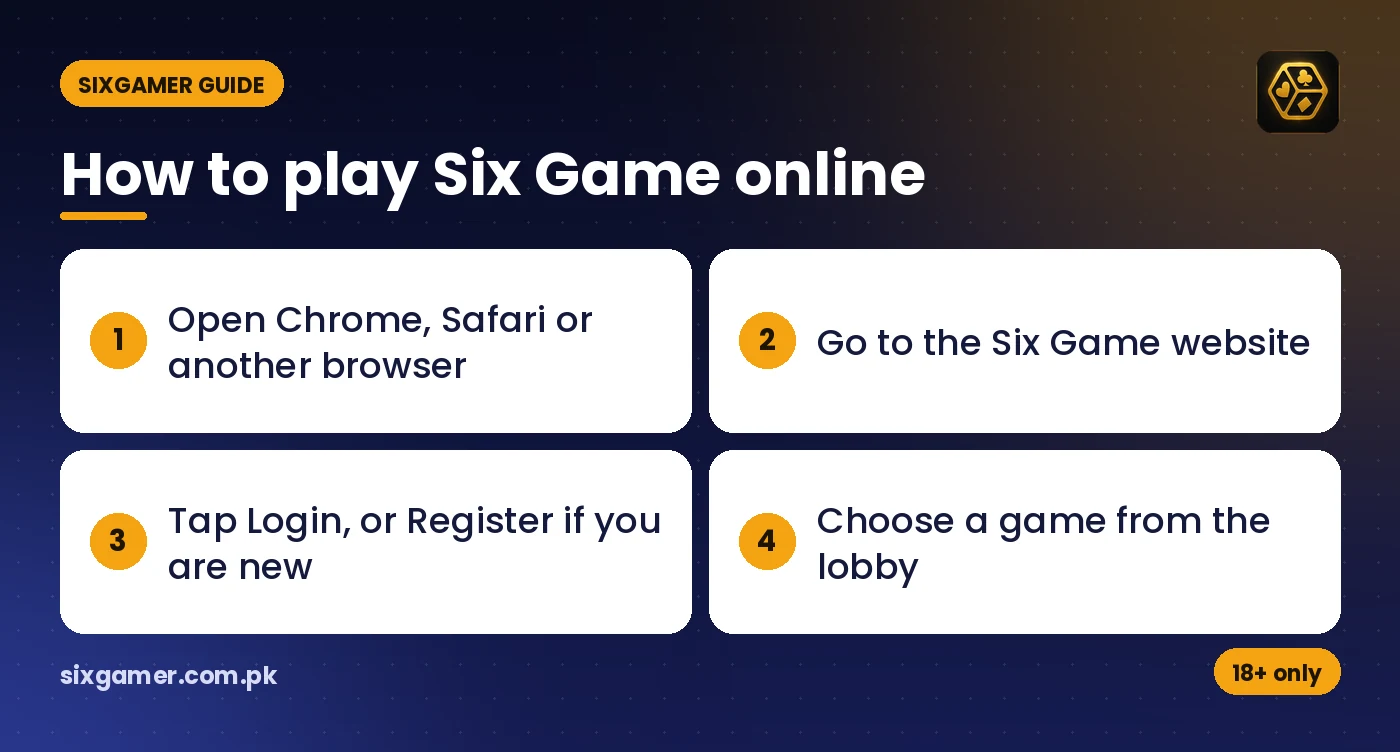
How to play Six Game online
- Open Chrome, Safari or another updated browser.
- Go to the Six Game website.
- Tap Login, or Register if you are new. See Six Game login guide.
- Choose a game from the lobby. It opens inside the browser.
App or browser: which is better?
| Point | APK app | Browser version |
|---|---|---|
| Install needed | Yes, manual APK | No |
| Works on iPhone | No | Yes |
| Works on PC | Only with an emulator | Yes |
| Phone storage used | The APK size, from about 6 MB | Almost none |
| Updates | Manual, each new APK | Automatic |
| Unknown-source permission | Required | Not required |
The browser version suits people who do not want to install a file from outside Google Play. The app suits people who play often on one Android phone.
Play Six Game online on a PC
Open the same site in Chrome or Edge on your computer and log in. Some games are built for a tall phone screen, so they may appear in a narrow window.
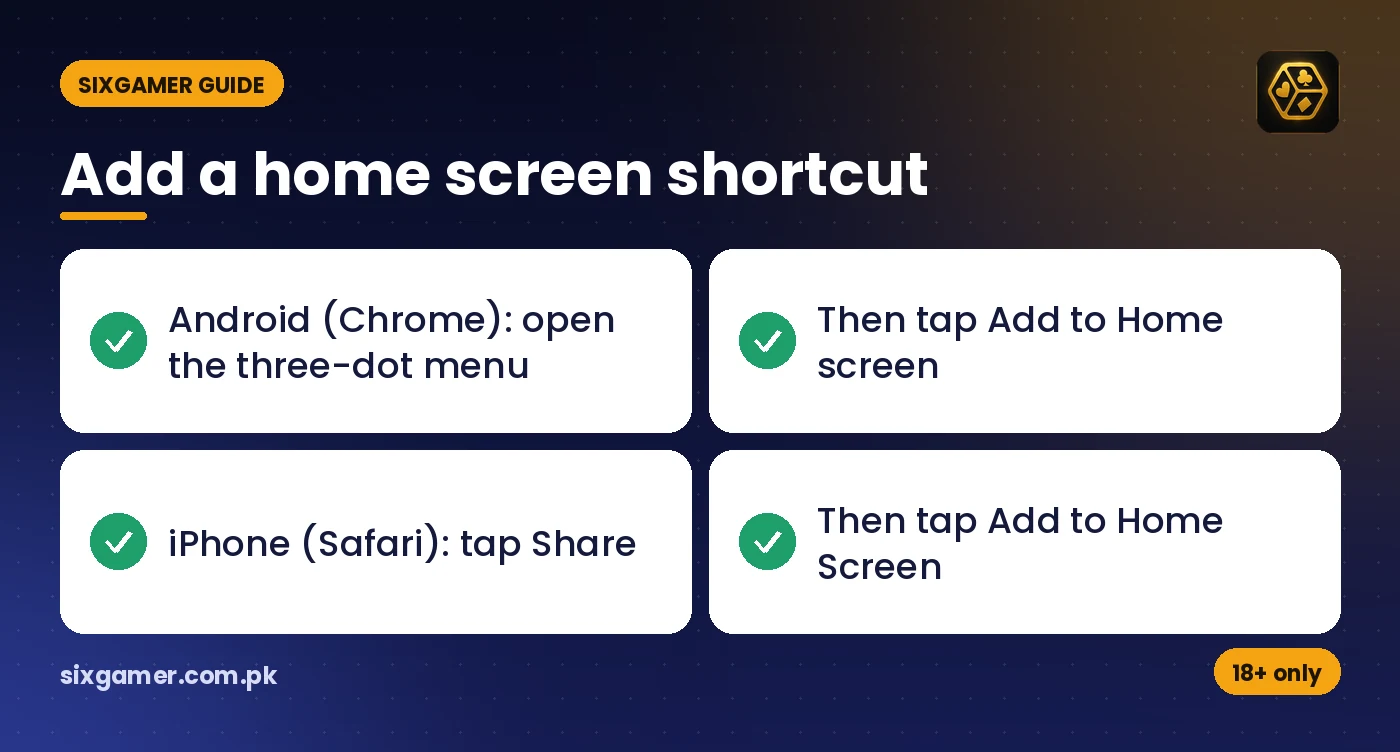
Add a home screen shortcut
A shortcut makes the browser version open like an app.
Android (Chrome)
tap the three-dot menu, then Add to Home screen.
iPhone (Safari)
tap Share, then Add to Home Screen. Details: Six Game iOS guide
Site not loading? Try this
- Refresh the page and check your internet.
- Clear the browser cache for that site.
- Turn off data-saver or lite mode in the browser.
- Try a second browser.
- Check that you are on the correct address and not a copy site.
Is playing online safer than the APK?
It removes one risk: you do not install an unknown file on your phone. It does not change the money risk. The games, odds and withdrawal rules are the same in both versions.
Six Game online: key points
You can play Six Game online in any updated browser with the same account you use in the app. The browser version also works on a PC, which helps if your phone is short on storage.
Playing Six Game online avoids installing an unknown APK, but the money risk is exactly the same. Add a home screen shortcut if you play often, and check the address each time so you do not log in to a copy site.
Opening the site is free. You pay only when you deposit money to play.
Six Game online FAQs
Do I need a separate account to play online?
No. The same account works in the app and the browser.
Does the browser version use more data?
Games load from the internet each time, so data use is a little higher than in the app.
Can I deposit and withdraw in the browser version?
Yes, the same account and wallet section are used in both. See Six Game deposit guide and Six Game withdrawal guide.