
Six Game Login: How to Sign In and Fix Login Problems
To log in to Six Game, open the app, tap Login, and enter your registered mobile number and password. This page also covers new account registration, password reset and the most common login errors.
- Independent, not official
- Updated October 2026
- 18+ only

- Install
- APK, not on Google Play
- Payments
- JazzCash, Easypaisa
- Age
- 18+ only
- This site
- Independent guide
About this guide
This is an independent guide. We do not run Six Game and we cannot access or recover any account.
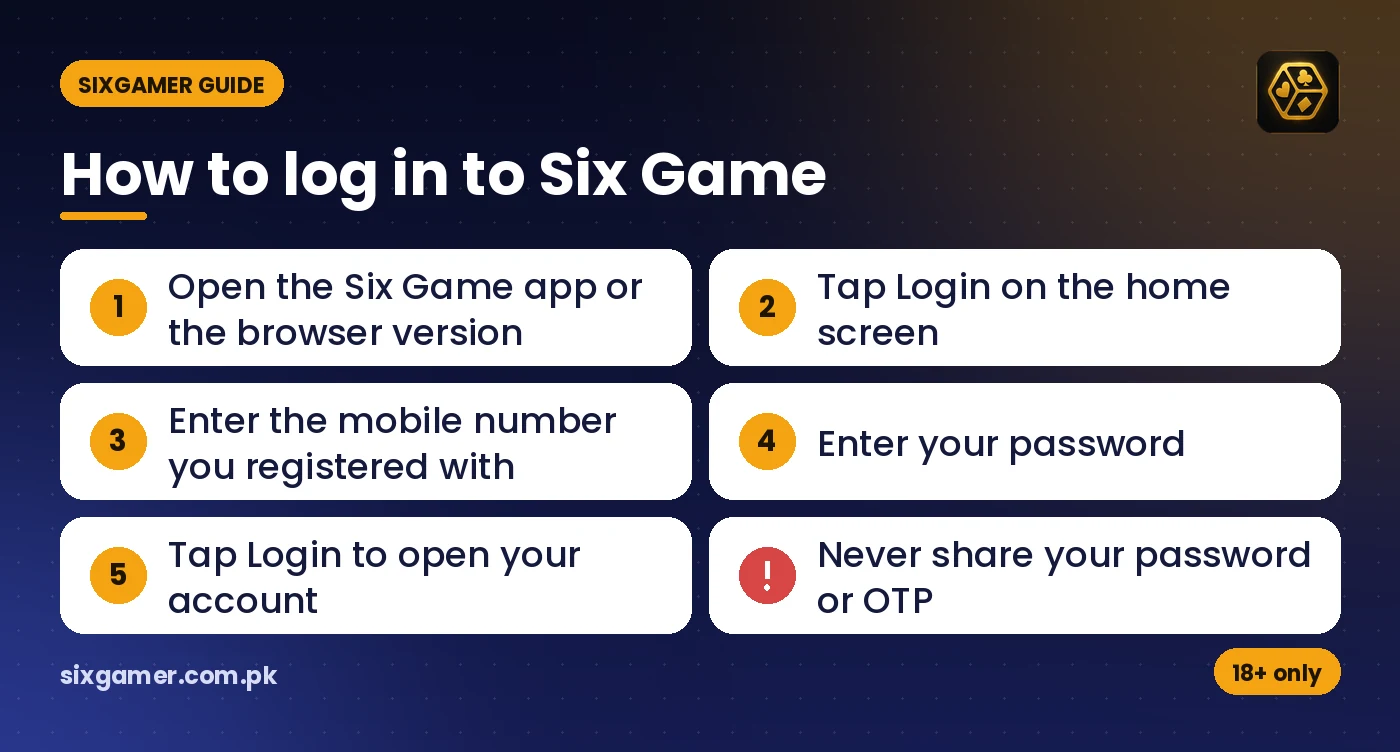
How to log in to Six Game
- Open the Six Game app or the browser version.
- Tap Login on the home screen.
- Enter the mobile number you registered with.
- Enter your password.
- Tap Login to open your account.
How to register a new Six Game account
You cannot log in without an account. Registration takes about a minute.
- Tap Register on the home screen.
- Enter your active mobile number.
- Create a password and type it again to confirm.
- Enter the verification code (OTP) if one is sent.
- Tap Register. The app logs you in automatically.
Some sign-up forms also show an invite code field. One person should keep one account only, because duplicate accounts can be blocked.
Forgot your Six Game password?
- Tap Forgot Password on the login screen.
- Enter your registered mobile number.
- Enter the code sent to your phone.
- Set a new password and log in with it.
If you do not see a Forgot Password option, ask in-app support to reset the password. Expect to prove that the number is yours.
Six Game login problems and fixes
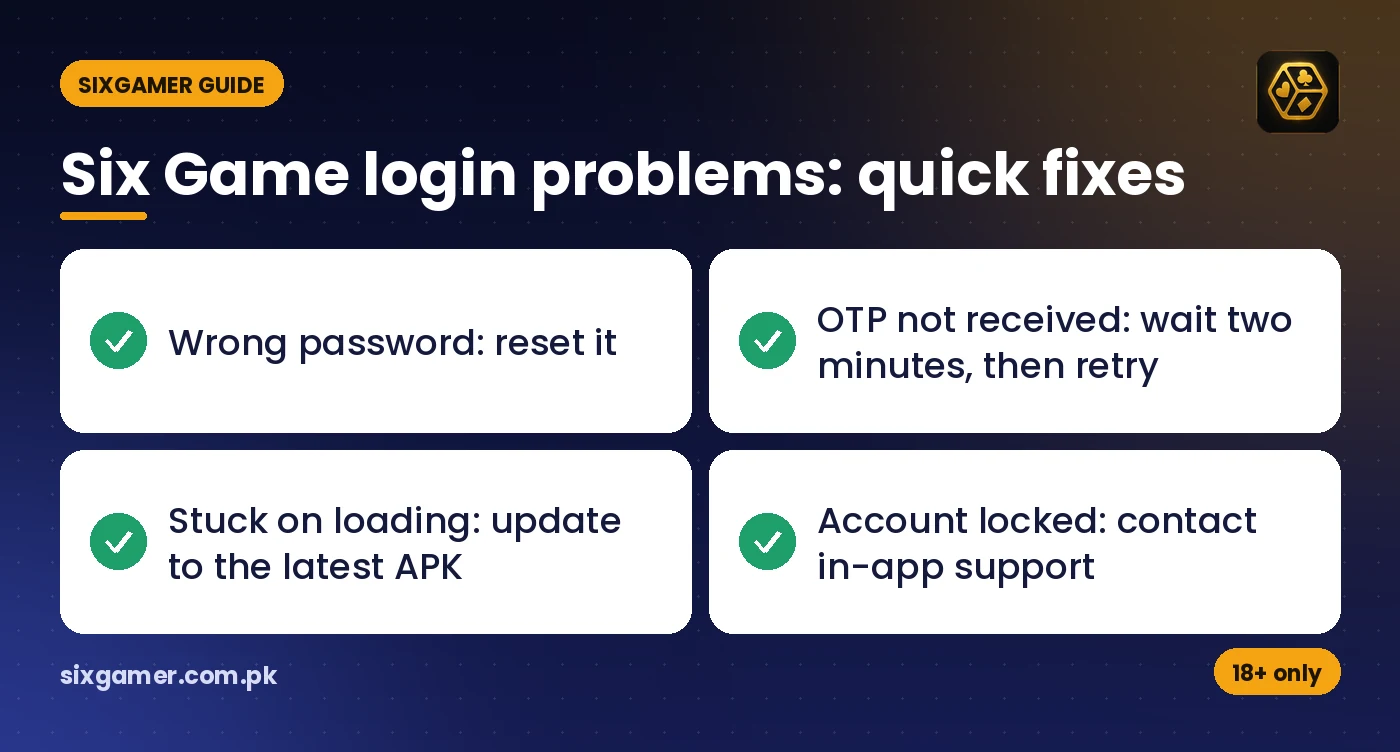
| Problem | Likely cause | Fix |
|---|---|---|
| Wrong password error | Typing mistake or old password | Check caps lock, then reset the password |
| Account does not exist | You are in a copy app, or used another number | Check the app source and the number you registered with |
| OTP not received | Weak signal or full SMS inbox | Wait two minutes, clear old messages, request once more |
| Stuck on loading | Old app version or weak internet | Update to the latest APK and switch network |
| Account locked | Too many wrong attempts or a rule violation | Wait for the lock period, then contact in-app support |
| Login works, balance missing | You logged in to a different account | Log out and use the original number |
Log in through the browser
You can log in without the app. Open the Six Game site in Chrome or Safari, tap Login, and use the same number and password. Your balance and history are the same in both.
Keep your account safe
- Use a password you do not use on any other site.
- Never share your password or OTP with an “agent” or support person.
- Log in only through the app or site you registered on.
- Log out after using a shared phone.
Six Game login: key points
Six Game login needs only your registered mobile number and your password. If the Six Game login fails, check the number, reset the password and update the app before you contact support.
Never give your password or OTP to anyone who offers to fix a Six Game login problem for you.
Six Game login FAQs
Can I log in to Six Game with Google?
At least one download page mentions a Google sign-in option. The standard method is your mobile number and password, and that is the one this guide covers.
Can I use one account on two phones?
Yes, you can log in with the same number and password on another phone. Log out of the first one to avoid security locks.
Can I change my registered mobile number?
The public pages do not describe a way to change it yourself. Contact in-app support, and keep access to the old number until the change is confirmed.
Why does Six Game log me out again and again?
This usually happens on an old app version or when the same account is open on two devices. Update the app and log out elsewhere.